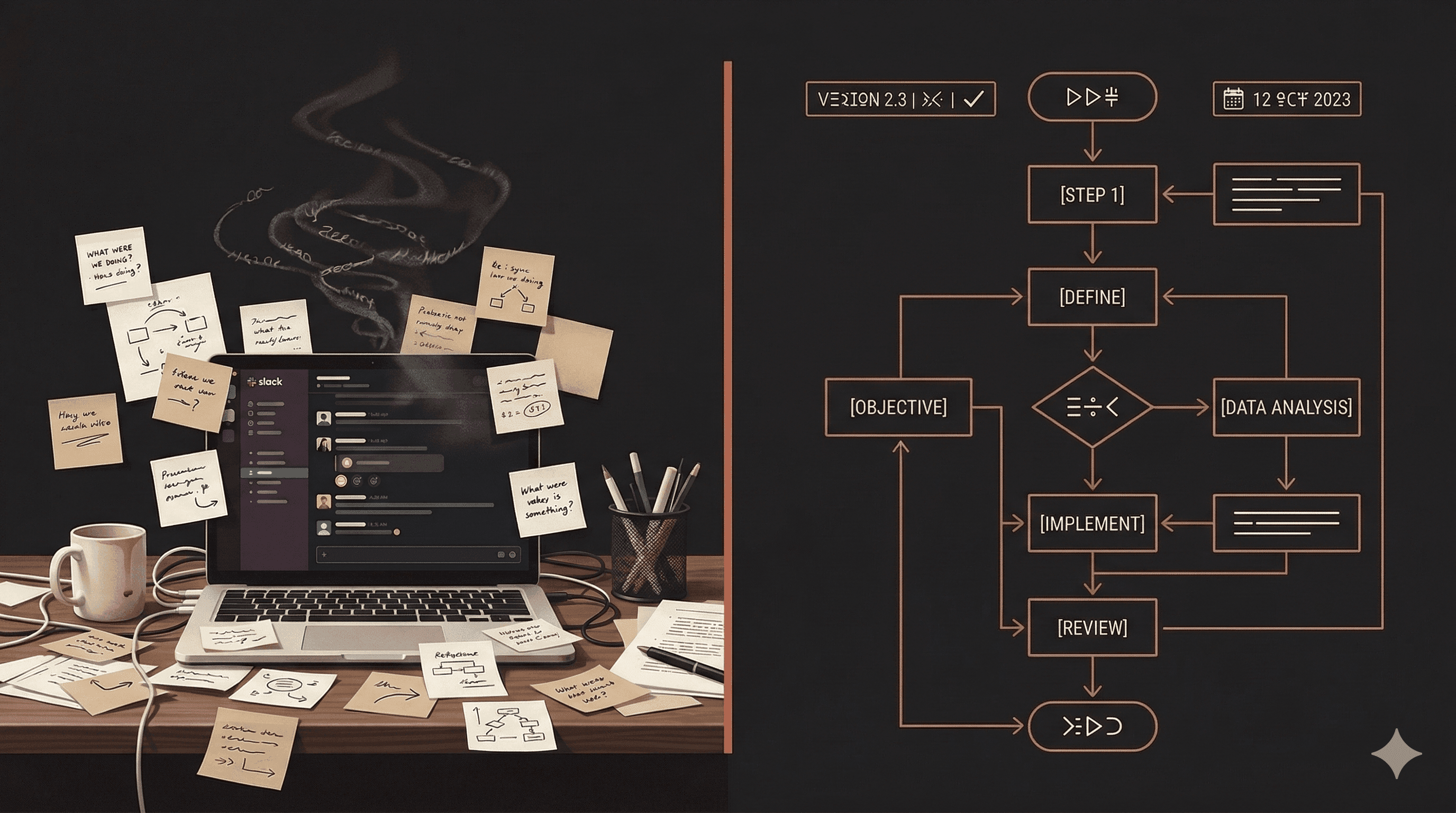
Getting Started with AI Skills
This guide walks you through finding, connecting, and running your first AI skill. By the end, you'll have a working skill connected to your AI tool of choice.
What You'll Need
- An account on AgentSkills (free)
- One of the following AI tools:
- Claude Desktop or Claude Code
- ChatGPT (Plus or Enterprise)
- Cursor, Windsurf, or another MCP-compatible IDE
Step 1: Browse the Marketplace
Head to the Skills Marketplace and explore the available skills. You can filter by category — Healthcare, Sales, Marketing, Engineering, and more.
Each skill card shows:
- What the skill does
- Which categories it belongs to
- A "Try Now" button to get started
Step 2: Connect Your AI Tool
Follow our Connect Guide for your specific platform. The setup takes about 2 minutes.
For Claude Desktop:
- Open Settings > MCP Servers
- Add the AgentSkills MCP server URL
- Restart Claude
For ChatGPT:
- Navigate to the plugin store
- Search for "AgentSkills"
- Enable the plugin
For Claude Code:
- Run the one-line install command from the Connect page
- The MCP server starts automatically
Step 3: Run Your First Skill
Once connected, simply mention the skill by name in your conversation. For example:
"Use the Blog Post Writer skill to create a post about remote team productivity."
The AI will load the skill's instructions and produce output that follows the skill's structured procedures — including proper formatting, quality checks, and domain-specific best practices.
Step 4: Compare the Results
Try the same task with and without a skill. You'll notice:
- More consistent output across multiple runs
- Better structured results that match professional templates
- Fewer errors thanks to built-in validation rules
- Less editing needed before the output is usable
What's Next?
- Explore skills in your industry at the Marketplace
- Learn how to Create Your Own Skill
- Read about What Makes a Great Skill